Spreadsheet workflow migration map before you choose a tool
A spreadsheet workflow migration map to fill in before you choose a tool: fields, rules, blank cells, exceptions, owners, and acceptance evidence.
Guide by the Otomatzia editorial team · checked against official sources on
Which old fields stay when nobody will sign off
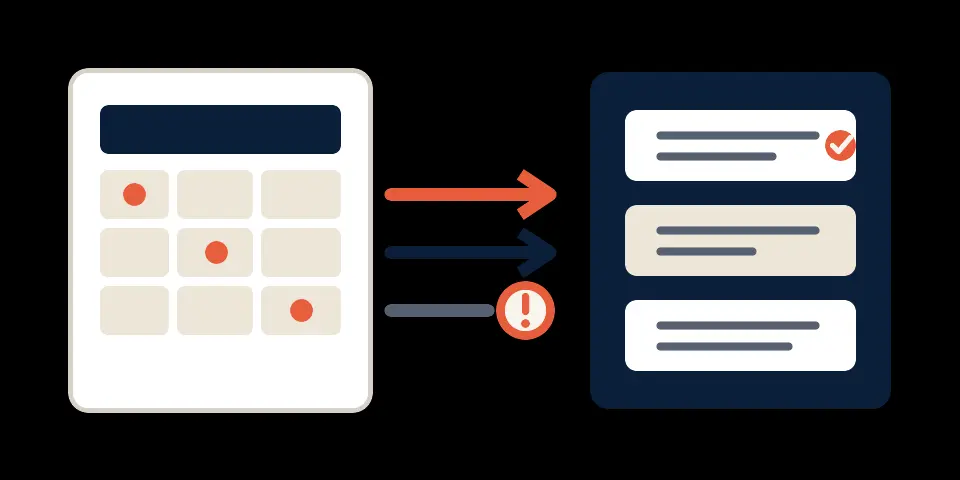
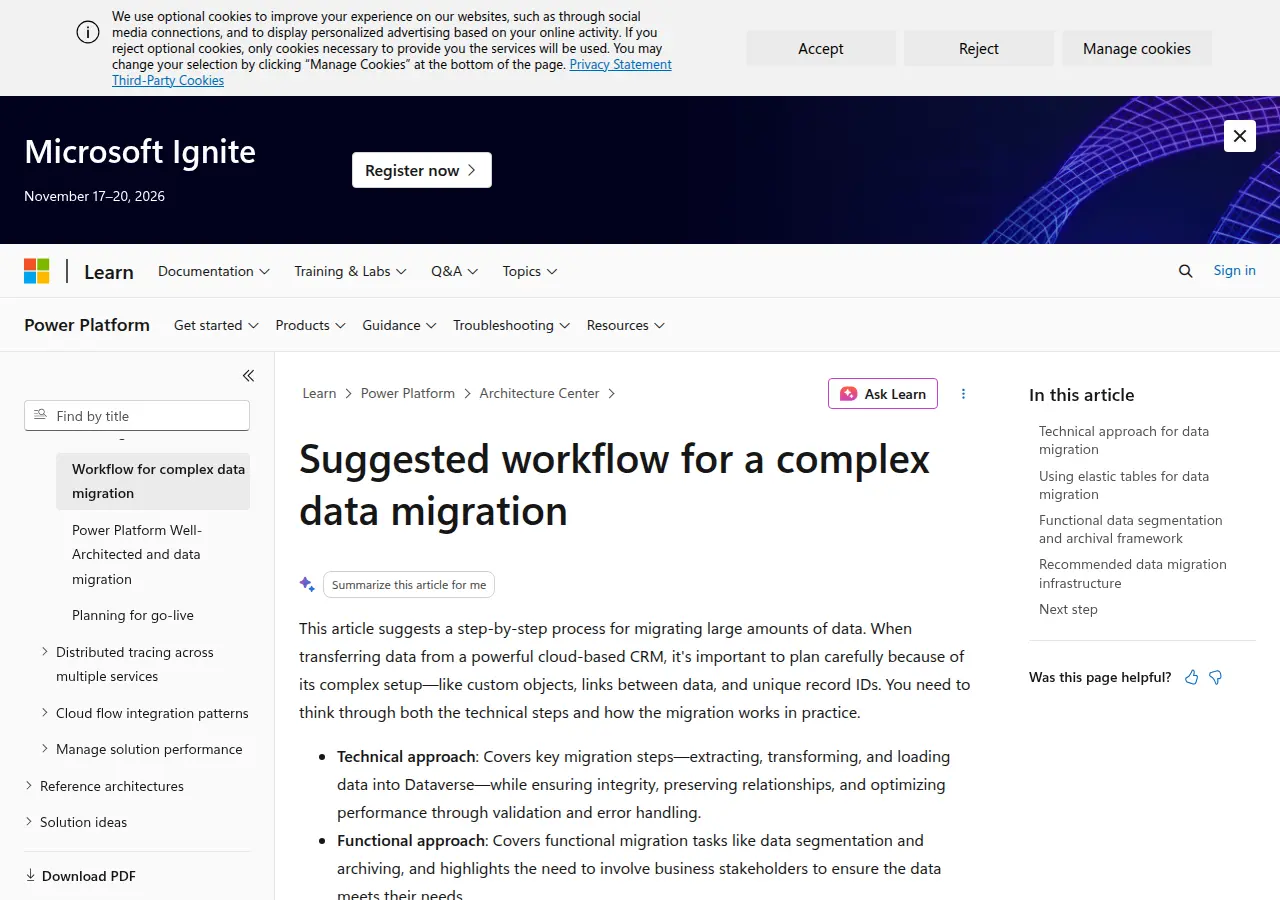
Keep an old field in scope until an accountable stakeholder records a decision about it. Do not treat silence as permission to delete it. Business stakeholders should participate in deciding what data moves and whether the migrated data meets operational needs (Microsoft Learn, Suggested workflow for a complex data migration, accessed October 2026).
Start the spreadsheet workflow migration map before comparing products. Give every source field one working disposition: keep, convert or hold. This is a planning control, not a claim that every field belongs in the final system. Target field types and validation rules affect whether imported spreadsheet values are accepted (HubSpot Knowledge Base, Format import files, accessed October 2026).
Silence is not a delete decision
When nobody can confirm why a field exists, mark it as hold and name the person who must resolve it. A hold means “do not remove yet,” not “keep forever.” Record where the field appears, whether it contains stored values and which process decision may depend on it. If the destination cannot accept the field, that remains an unresolved conversion or retention decision.
Record keep, convert, or hold
Use keep when the source value can remain meaningful in the target design. Use convert when its format, permitted values or destination representation must change. Use hold when approval, purpose or target handling is unresolved. Add an approver and an unresolved-decision note to every hold. For wider context, see the CRM integration overview, but keep the field decisions in this map.
Discover the process before you import the rows
A spreadsheet may also be the place where a team decides what happens next. Before preparing an import, identify that decision, the people involved and the evidence they use. The migration scope should follow the process, not just the visible columns.
Name the decision the sheet is making
Write one plain-English statement for each recurring decision. Hypothetical examples include deciding who owns a record, whether a row is ready for review or whether an exception needs another action. For each decision, record the source fields used, the person who decides and what indicates completion. Business stakeholders should participate in deciding what data moves and whether the migrated data meets operational needs (Microsoft Learn, Suggested workflow for a complex data migration, accessed October 2026).
Mark what the export drops
RFC 4180 describes CSV as text records made of fields for exchanging tabular data (IETF RFC 4180, Common Format and MIME Type for Comma-Separated Values (CSV) Files, accessed October 2026). That transport does not by itself document spreadsheet formulas, manual sign-offs, access decisions or recurring checks. Mark formulas, unstored fallbacks, manual sign-offs, access decisions and recurring checks separately from exported values. An exception note or message text stored in a cell remains a value, so do not assume every exception or message disappears. The Google Sheets tool page provides related spreadsheet context.
Separate stored values from workflow behavior
Use separate entries for values, rules, exceptions, ownership and evidence. This prevents a source-to-target column crosswalk from being mistaken for a full workflow design.
| Map category | Record in the worksheet | Do not assume |
|---|---|---|
| Value | Stored cell content, including an identifier, owner identifier, exception note or message text | The target accepts it unchanged |
| Rule | Formula, permitted range, conversion or unstored fallback | A CSV carries the rule |
| Exception | The unresolved case and the rule that creates it | A default safely replaces an unresolved case |
| Owner | Access or sign-off duty and the named person | Assignment proves access |
| Evidence | Counts, error records, comparison output and sign-off | One evidence type proves every outcome |
What the cell stores
Inventory the literal value and its source column. If it is an identifier, label what it identifies. If it is an exception note or message text, preserve that meaning in the value category. Inspect the proposed target field type and validation rule before deciding that it can load (HubSpot Knowledge Base, Format import files, accessed October 2026).
What the team still has to do
Record manual review, fallback decisions, sign-off, access checks and evidence collection as separate work. A formula belongs under formula replacement. A person who decides an exception belongs under exception owner. A person who approves the migration belongs under approver. Blank entries show what must be settled before selection.
Map each source column to a target rule
For every source column, write the target field, conversion, permitted values and source identifier before loading. For a Dataverse migration, Microsoft recommends mapping source columns to target columns and converting source values to target formats and value ranges in a staging layer before loading (Microsoft Learn, Suggested workflow for a complex data migration, accessed October 2026).
Convert values before loading
Describe the conversion as a rule another person can review. State the current representation, intended target representation and permitted values. Keep it unresolved if the candidate system's field type and validation behavior have not been inspected.
Hypothetical example, not a tested migration or customer result. Approval and destination evidence remain unresolved until the candidate is inspected.
| Source column | Target field | Conversion | Permitted values | Source identifier |
|---|---|---|---|---|
| Review state | Blank until a candidate is named | Map hypothetical source values only after target values are approved | Unresolved pending candidate inspection | Source record ID; destination match field unresolved |
Keep the source identifier
Record the source unique identifier and destination match field together. The migration design should retain a source unique identifier and separate successful and failed outcomes so records can be matched and retried (Microsoft Learn, Suggested workflow for a complex data migration, accessed October 2026).
Decide what a blank cell means
Do not assign one universal meaning to an empty cell. The cited evidence documents one product-specific behavior: in HubSpot imports, a blank spreadsheet cell does not clear an existing property value (HubSpot Knowledge Base, Format import files, accessed October 2026). No cited source establishes the same rule for every destination.
HubSpot documents one behavior
For a HubSpot candidate, record the documented behavior in that candidate's worksheet. Keep blank, clear, unknown and not applicable as distinct business meanings. If an existing value must be cleared, do not assume a blank performs that action in this documented case.
Confirm the rule in the destination
For every other candidate, leave the blank rule unresolved until current documentation or a controlled destination check establishes it. Write the expected behavior before checking. Record whether the operation should create, update, clear, ignore or reject a value.
Write a visible policy for exceptions
An exception policy should say which rows are isolated, where the failure is recorded, who resolves it and when reprocessing is allowed. Failed records can be isolated without stopping the whole migration, but they should be logged, resolved and reprocessed (Microsoft Learn, Suggested workflow for a complex data migration, accessed October 2026).
Separate failed rows from the load
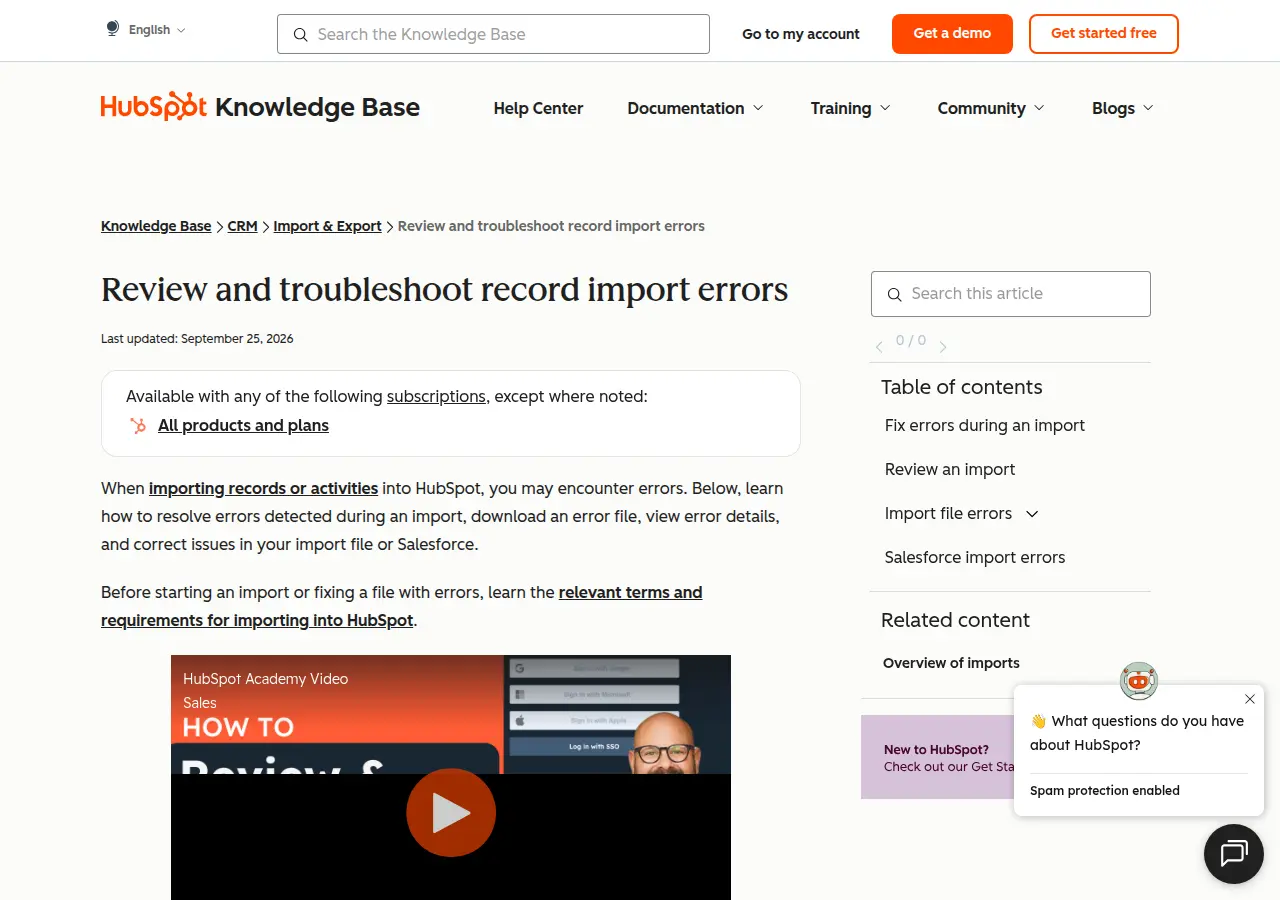
Keep successful and failed outcomes distinct. HubSpot exposes post-import evidence that includes row outcomes, created and updated record counts, error impact and downloadable error rows (HubSpot Knowledge Base, Review and troubleshoot record import errors, accessed October 2026). Treat that as a HubSpot-specific evidence option, not a promise about every system.
Name the state and the next owner
Define an exception state and assign an exception owner. A missing required value, renamed sheet, invalid lookup or missing column can be used as a hypothetical planning prompt, but the cited sources do not define those states for every product. The team must decide the names and resolution path. Reprocessing starts only after the cause, owner and retry rule are recorded.
Assign an owner and then test access
Assignment and access are separate. In a HubSpot import, an owner column can assign a record by user name, email or the owner property internal value; HubSpot recommends email or the internal value when names collide (HubSpot Knowledge Base, Format import files, accessed October 2026). In Dataverse, user-level and business-unit security can depend on the owner business unit, so Microsoft recommends setting the owner during insertion (Microsoft Learn, Suggested workflow for a complex data migration, accessed October 2026).
Carry a stable owner identifier
Record the source owner identifier, its target representation and the person responsible for validating the mapping. Names alone may not establish identity. Show the identifier the destination expects and any cases that cannot yet be assigned.
Verify reassignment and access after an owner leaves
No cited source decides who should own a historical record after the original employee leaves, or who should be able to open it. Treat both as destination-specific decisions. Record the reassignment rule, access check, person performing it and retained evidence. Do not infer access merely because the owner field loaded.
Confirm destination outcomes before retrying
A retry should start from destination evidence, not the source spreadsheet alone. Retain the source identifier and separate successful and failed outcomes so records can be matched and retried (Microsoft Learn, Suggested workflow for a complex data migration, accessed October 2026). Verify what the destination created or updated before sending a row again.
Match on the source identifier
Compare the retained source unique identifier with the destination match field. Record whether the destination reports a create, update or failure. If the destination does not expose enough evidence, mark the result as ambiguous and assign it for review.
Hold ambiguous outcomes before retrying
No cited source proves that retrying an ambiguous row cannot duplicate a successful record. Hold it until someone verifies the destination outcome. Write the retry rule, exception owner and required evidence. The provider evidence request guide provides a related method for separating claims from observed results.
Define acceptance before the first load
Acceptance must name evidence the destination can produce. Stakeholder review, staging counts, an import error file and source-to-target comparison answer different questions.
| Evidence type | What it can support | Limit to record |
|---|---|---|
| Stakeholder review | Whether selected data meets stated operational needs | The reviewer must define what was inspected |
| Staging counts or totals | Reconciliation before final migration | Counts do not establish every value is correct |
| HubSpot import evidence | Row outcomes, created and updated counts, error impact and downloadable error rows | Vendor-specific |
| Source-to-target row comparison | Comparison of corresponding rows and reporting of mismatches | AWS documents a DMS database validation pattern, not a generic spreadsheet-import artifact |
Pick evidence the destination can produce
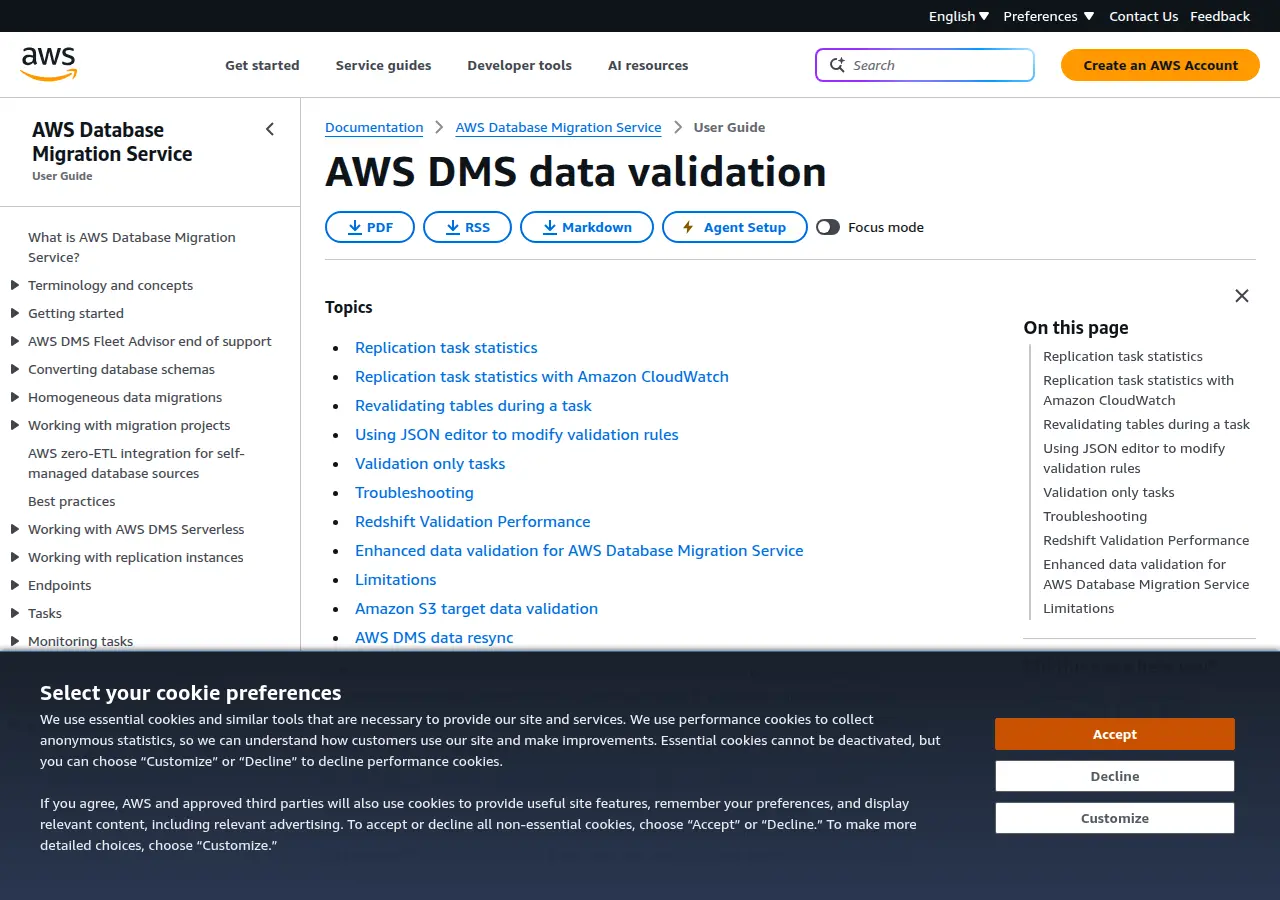
Ask each candidate which evidence it exposes, then confirm that in current documentation or a controlled review. AWS DMS documents source-to-target validation that can compare corresponding rows, verify their data and report mismatches (Amazon Web Services, AWS DMS data validation, accessed October 2026). Use that only as a database migration example unless the candidate can produce equivalent evidence.
Write the acceptance decision
For every evidence item, record the expected result, approver, observed result and unresolved decision. Leave observed result blank until evidence exists. Acceptance is the named stakeholder decision that the available evidence meets the stated operational need, not merely that a file loaded.
Decide what evidence the recurring run must keep
After cutover, the recurring process still needs a record of what happened. Keep reconciliation evidence and error records the destination can produce. Record the system that owns the next edit while any phased process remains active.
Reconcile counts before you call it done
Migration planning should include audit and reconciliation, while failed records should be logged, resolved and reprocessed (Microsoft Learn, Suggested workflow for a complex data migration, accessed October 2026). In HubSpot, documented import evidence includes created and updated counts plus error information (HubSpot Knowledge Base, Review and troubleshoot record import errors, accessed October 2026).
Name the system that owns the next edit
No cited source decides which system should own an update during a phased migration. Add phased authority to the worksheet and leave it unresolved until an accountable owner signs it. Name the system of authority for that stage and the person who can change the decision.
List behavior a file load does not prove
A file load proves only the outcome inspected. RFC 4180 describes the records and fields carried by CSV (IETF RFC 4180, Common Format and MIME Type for Comma-Separated Values (CSV) Files, accessed October 2026). A file load alone does not establish the behavior of relationships, formulas, automations, templates or outbound messaging in a destination.
Keep values and identifiers separate from behavior
Map stored values and identifiers to target fields. Record formula replacement, relationships, automation checks and dynamic behavior in separate entries. Do not mark them complete merely because values imported. Their acceptance evidence must describe the behavior checked and result observed.
Verify trigger behavior before any test load
Trigger behavior is destination-specific. Salesforce's Data Import Wizard asks whether workflow rules and processes should run when imported records meet their criteria, and selecting “add new and update existing records” can fire workflows that add new objects, while selecting “update existing records” does not (Salesforce Help, Import Data with the Data Import Wizard, accessed October 2026).
Before a test load or retry, record trigger controls and the outbound-message check. Hold the load when trigger behavior is unknown. This guide recommends the hold as a safety rule for the worksheet. It does not claim that every platform offers the same control.
Fill the worksheet in this order
Complete source and business decisions first. Add candidate-specific findings second. Choose a tool only after unresolved entries are visible. This worksheet is a planning artifact, not a migration standard or evidence that a load was tested.
- Record the source process, field disposition and source identifier.
- Add the business rules for blanks, duplicates, formulas, exceptions and ownership.
- Inspect each candidate and enter only its documented or observed behavior.
- Compare candidates after every unresolved decision has an owner and next action.
| Worksheet field | What to enter | Status or evidence |
|---|---|---|
| Process decision | Decision the spreadsheet supports | Stakeholder or unresolved |
| Source column | Exact source heading | Source sheet or tab |
| Field disposition (keep, convert, hold) | One working disposition | Approver or unresolved |
| Target field | Candidate destination field | Blank before a candidate is named |
| Source unique identifier and destination match field | Both identifiers together | Match evidence or unresolved |
| Conversion | Source-to-target rule | Approval state |
| Permitted values | Values the candidate accepts | Documentation or controlled check |
| Blank rule | Meaning of blank, clear, unknown and not applicable | Candidate-specific evidence |
| Duplicate rule | Which record prevails | Business approver or unresolved |
| Formula replacement | Replacement for formula behavior | Design and verification evidence |
| Relationship | Linked-record requirement | Candidate-specific design |
| Exception state | State for a failed or held item | State definition |
| Exception owner | Person or role resolving it | Named owner |
| Owner identifier | Stable assignment identifier | Mapping evidence |
| Access check | Who can open or act on the record | Observed check or unresolved |
| Retry rule | Conditions before reprocessing | Required outcome evidence |
| Phased authority | System owning the next edit | Signed decision or unresolved |
| Automation check | Trigger and outbound-message behavior | Candidate-specific evidence |
| Acceptance evidence | Evidence the destination produces | Expected and observed result |
| Approver | Person accountable for the decision | Name or role |
| Unresolved decision | Open question | Owner and next action |
Complete source decisions first
Start with process decision, source column, field disposition and source unique identifier. Add known business meanings for blanks, duplicates, formulas, relationships, exceptions and phased authority. Keep uncertainty explicit. The first automation checklist can help frame scope and acceptance before migration.
Fill destination checks per candidate system
For each candidate, add target field types, validation behavior, owner model, blank behavior, load errors, trigger controls, access checks and acceptance evidence. Do not copy one vendor's documented behavior into another candidate's row.
Choose the tool last
Compare candidates against completed source decisions and unresolved checks. The tool decision follows the map because the map contains the process requirements the tool must meet.
Hypothetical example, not a tested migration or customer result:
If you have a defined migration project and want to describe its scope, use the /request form. This does not promise an introduction to a directory provider.
| Worksheet field | Hypothetical entry |
|---|---|
| Process decision | Decide whether a hypothetical record is ready for review |
| Source column | Review state |
| Field disposition (keep, convert, hold) | Convert |
| Target field | Blank until a candidate is named |
| Source unique identifier and destination match field | Source record ID / candidate match field unresolved |
| Conversion | Map hypothetical source values only after permitted target values and an approver are recorded |
| Permitted values | Unresolved pending candidate inspection |
| Blank rule | Unknown; do not treat as clear |
| Duplicate rule | Unresolved business decision |
| Formula replacement | Not yet designed |
| Relationship | Unresolved |
| Exception state | Hold for mapping review |
| Exception owner | Operations role to be named |
| Owner identifier | Unresolved pending owner model |
| Access check | Confirm reviewer access in the candidate |
| Retry rule | Retry only after destination outcome is confirmed |
| Phased authority | Unresolved |
| Automation check | Confirm trigger and outbound-message behavior before load |
| Acceptance evidence | Candidate evidence type not yet selected |
| Approver | Business owner to be named |
| Unresolved decision | Target values, duplicate rule, owner model and acceptance evidence |
Questions to settle before you pick a tool
These questions stay open until an accountable person records the rule and the selected destination can produce the required evidence.
Which duplicate wins
No cited source settles whether the newest, most complete or operationally active record should win. Record the business decision in the duplicate rule field. Also record the source unique identifier, destination match field, approver and evidence required to show the rule was applied.
What replaces a formula
No cited source defines a universal formula replacement. RFC 4180 describes CSV records and fields (IETF RFC 4180, Common Format and MIME Type for Comma-Separated Values (CSV) Files, accessed October 2026). That format alone does not define a replacement for spreadsheet behavior. Put the proposal in the formula replacement field, then specify the target field, trigger or rule involved and required acceptance evidence. Leave it unresolved until the replacement has an owner and a candidate-specific check.
What must the sandbox review show
No cited source provides one universal sandbox script. Choose evidence the destination can produce: stakeholder review, staging counts, an import error file or source-to-target row comparison. Keep each limit visible. HubSpot documents import outcomes and error rows, while AWS DMS documents a database row-comparison pattern; neither proves what every candidate sandbox will show.
What to carry into the tool decision
Carry a completed planning packet, not only an import file:
The map does not certify a tool or report a migration result. It makes missing decisions visible before selection. Choose the tool against documented fields, rules, exceptions, ownership and evidence, rather than asking the tool to define the process after loading begins.
- process decisions and source columns in scope;
- a keep, convert or hold disposition for every field;
- source identifiers and proposed destination match fields;
- conversion, permitted-value, blank, duplicate and formula decisions;
- relationship, exception, ownership, reassignment and access requirements;
- retry rules, phased authority and automation checks;
- acceptance evidence the candidate can produce;
- an approver and owner for every unresolved decision.
Scroll the table sideways to read every column.
| Planning checkpoint | Decision to record | Owner or evidence | Status |
|---|---|---|---|
| Source process | Name the recurring decision, fields in scope and source unique identifier. | Accountable stakeholder and source sheet or tab | Open, approved or held |
| Field handling | Mark each field keep, convert or hold; record blank, duplicate and formula rules. | Approver and candidate-specific documentation | Open, approved or held |
| Exceptions and access | Define the exception state, owner, retry rule, owner identifier and access check. | Named operator and observed access evidence | Open, approved or held |
| Behavior and acceptance | Record trigger controls, phased authority and evidence the destination can produce. | Expected result, observed result and approver | Open, approved or held |
Sources to check next
- Microsoft Learn: Suggested workflow for a complex data migration (updated 19 August 2025; accessed October 2026)
- HubSpot Knowledge Base: Format import files (source checked 24 October 2026)
- HubSpot Knowledge Base: Review and troubleshoot record import errors (source checked 24 October 2026)
- Amazon Web Services: AWS DMS data validation (source checked 24 October 2026)
- IETF RFC 4180: Common Format and MIME Type for Comma-Separated Values (CSV) Files (source checked 24 October 2026)
- Salesforce Help: Import Data with the Data Import Wizard (source checked 26 October 2026)
Vendor features and prices change. Confirm details on the linked official pages before you rely on them.
What to read next
- CRM integration: moving customer data out of spreadsheets
- Google Sheets as an automation data store: uses and limits
- Provider Evidence Requests: What to Verify at Handover
- Your first business automation: a checklist